
Day/Date: Wed, July 29, 2020: 8:00am to 5:00pm
Venue: Office
Activities:
At Office-
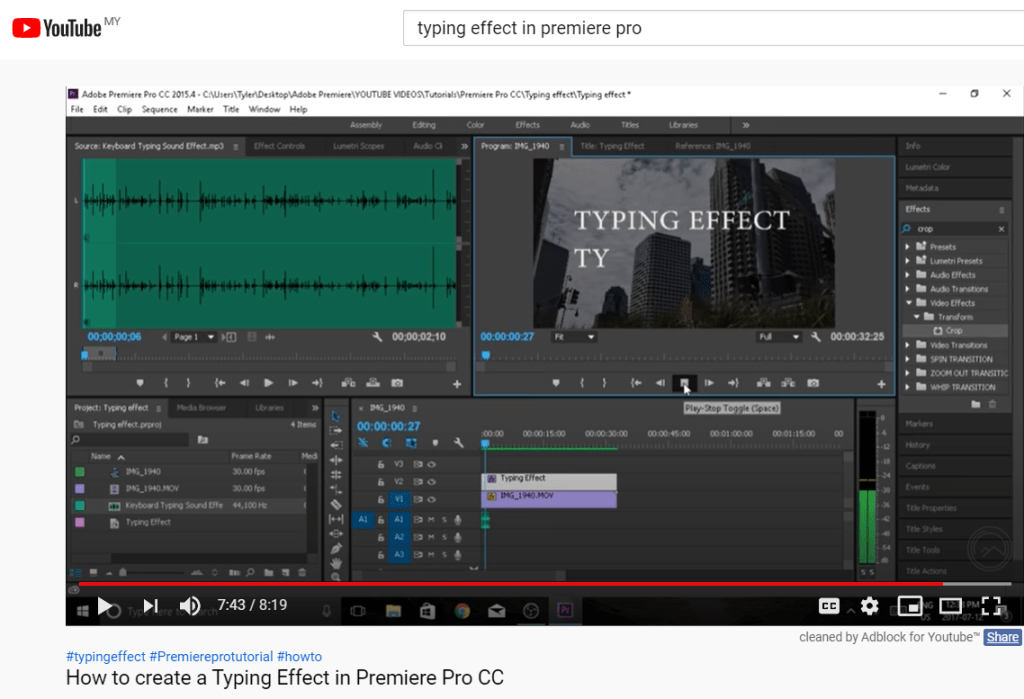
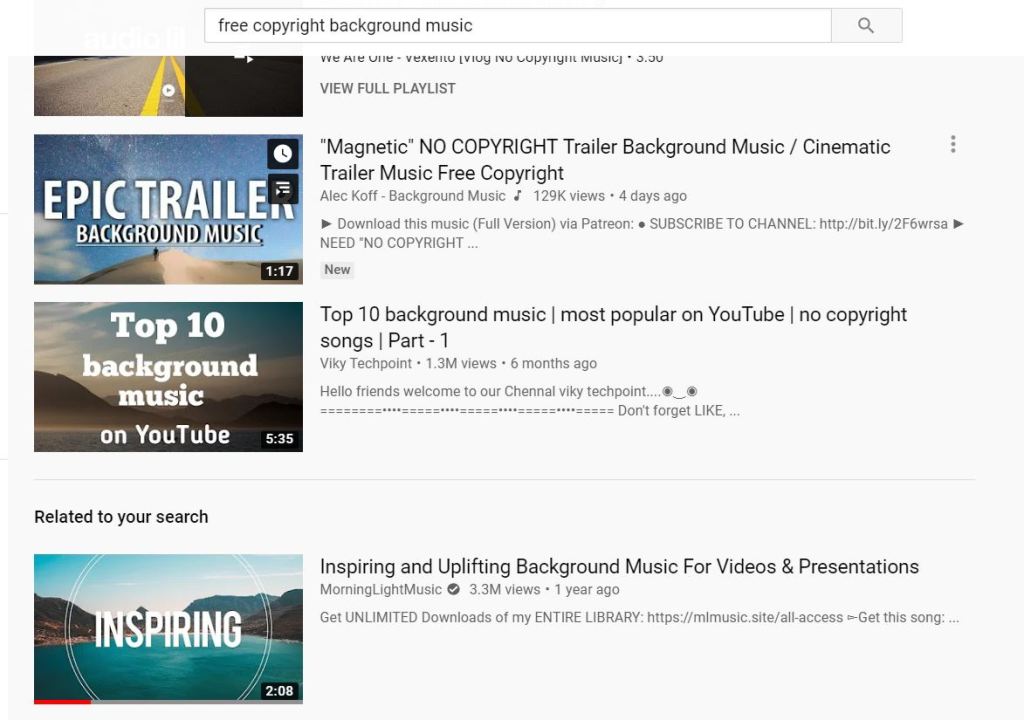
Open the Adobe Premiere Pro and continue editing the Yelobee advertising video. Find and learn how to create a typing animation in Premiere Pro from Youtube. After finish, the typing effect, find free copyright music for this video. Perform all editing work including inserting background music and sound effects. Download the background music and convert it to mp3. Import the media into the Adobe Premiere Pro. Cut for the unused part. Repeat watching the video. Use social media activity to engage with the followers.


Good
LikeLike