
Day/Date: Mon, July 27, 2020: 8:00am to 5:00pm
Venue: Office
Activities:
At Office-
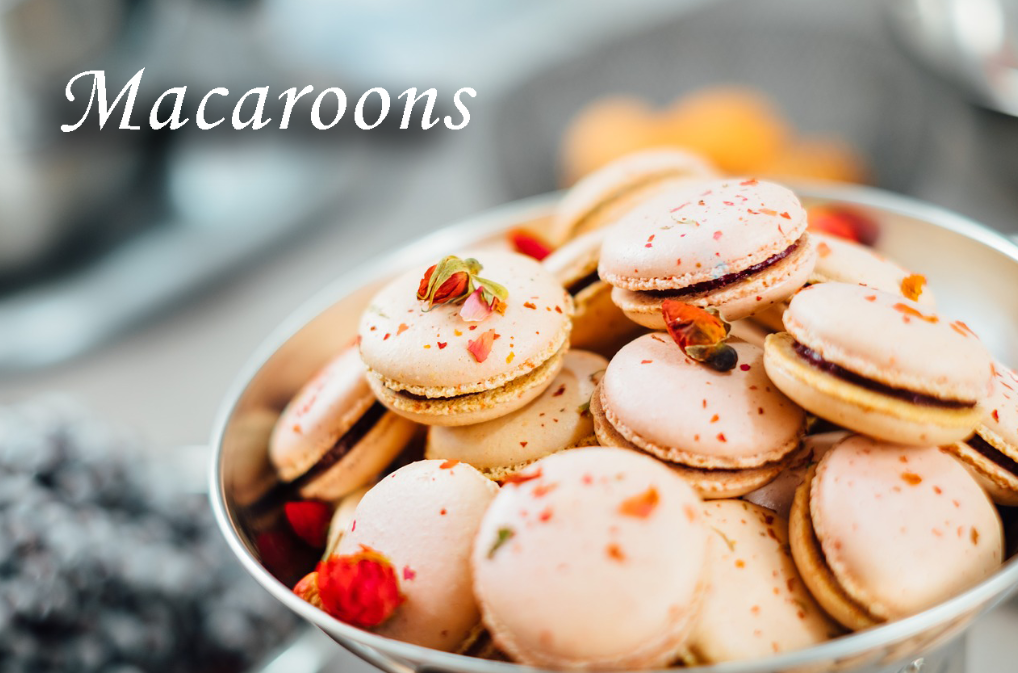
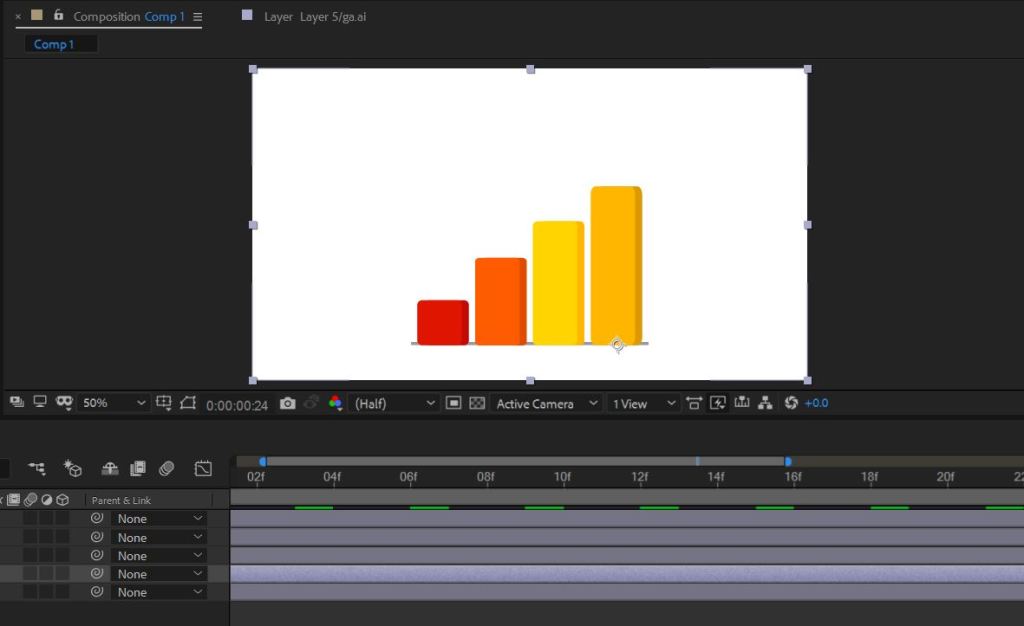
Find the photo from online and edit for website purposes. Crop the image to enhance composition. The photo is slightly overexposed, which washes out the food’s color and features. Using Photoshop’s suite of adjustment tools and correct the photo’s exposure to bring out more detail. Add the text inside the Photoshop and using drop shadow to view more clear. After lunchtime, continue to edit the Yelobee video progress. Complete the bar graph animation. After complete the animation and import into Adobe Premiere Pro. Then, find the photo and repose on Instagram account.


Good
LikeLike